
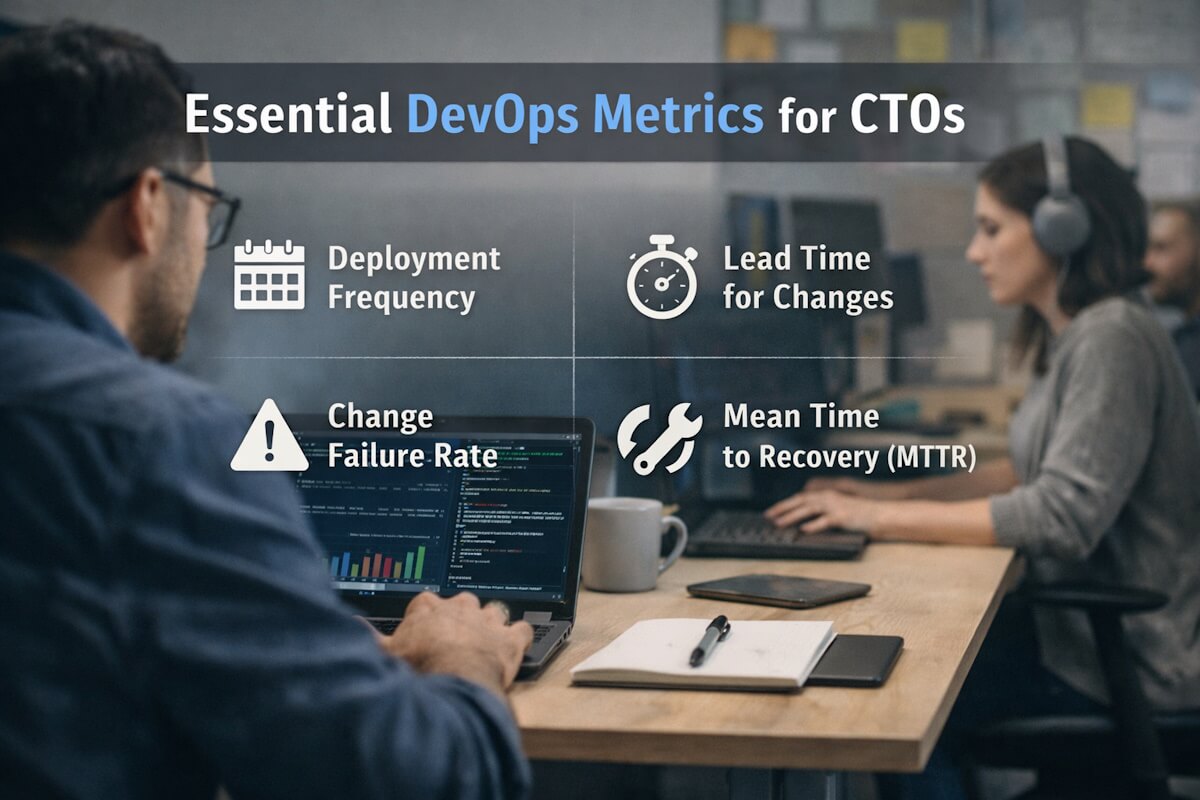
Running a tech team without the right metrics is like driving with a fogged-up windshield. You might move forward, but you’re guessing more than you should. As a CTO, you don’t need dozens of dashboards. You need a handful of signals that actually tell you what’s going on.
DevOps isn’t just about speed. It’s about stability, clarity, and knowing where things break before users do. So what should you really track?
Let’s get into the numbers that matter and why they deserve your attention.
Why Metrics Matter More Than Tools
Teams often chase tools. New CI platforms, fancy dashboards, endless alerts. But tools don’t fix blind spots. Metrics do.
If your team ships fast but breaks production every week, that’s a problem. If deployments are stable but painfully slow, that’s another problem. Metrics bring balance. They help you see trade-offs clearly.
And honestly, they help you ask better questions:
- Are we moving fast or just rushing?
- Are bugs increasing or just being reported more?
- Is downtime random or patterned?
Without answers, decisions become guesses.
Deployment Frequency
Let’s start simple. How often does your team deploy code?
High-performing teams push updates frequently. Not once a month. Not once a week. Sometimes multiple times a day.
Why does this matter?
Frequent deployments mean smaller changes. Smaller changes are easier to test, review, and fix. When something breaks, you know where to look.
But here’s the catch. More deployments only help if quality stays intact. If every release causes chaos, frequency becomes noise.
Ask yourself:
- Are deployments routine or stressful?
- Does your team hesitate before hitting deploy?
If the answer is yes, there’s friction somewhere.
Lead Time for Changes
This one tells you how long it takes for code to go from commit to production.
Short lead times mean your team is responsive. You can ship features quickly, fix bugs faster, and react to feedback without delay.
Long lead times usually point to bottlenecks:
- Slow reviews
- Manual testing
- Complex approval layers
And sometimes, it’s just unclear ownership.
If a simple change takes days to ship, something’s off.
This is where teams often bring in DevOps Consulting Services to spot inefficiencies. An external view can reveal gaps your internal team might overlook.
Change Failure Rate
Not every deployment goes smoothly. That’s normal. What matters is how often things fail.
Change failure rate tracks the percentage of deployments that cause issues in production. This could be:
- Bugs
- Outages
- Performance drops
A high failure rate signals poor testing or rushed releases. A very low rate might sound great, but it could also mean your team is playing it too safe.
Balance is key.
You want your team to take calculated risks, not avoid them completely.
Mean Time to Recovery (MTTR)
Things will break. It’s not a question of if, but when.
MTTR measures how quickly your team can fix issues once they occur.
Fast recovery shows:
- Clear incident response processes
- Good monitoring
- Strong team coordination
Slow recovery usually means confusion. Who owns the issue? Where’s the root cause? What’s the fix?
If your team spends hours just figuring out what went wrong, MTTR will suffer.
And your users will feel it.
Change Volume
How big are your deployments?
Large, complex releases carry more risk. Smaller, incremental changes are easier to manage.
If your team bundles multiple features into one release, you’re increasing the chance of failure.
Breaking work into smaller chunks makes everything smoother:
- Easier rollbacks
- Faster debugging
- Lower risk
It’s not about doing less work. It’s about shipping smarter.
Build Success Rate
Every failed build slows the team down. It breaks momentum.
Tracking build success rate helps you understand how stable your development process is.
Frequent build failures often point to:
- Poor test coverage
- Dependency issues
- Lack of consistency in code standards
And let’s be real. Repeated failures frustrate developers. It kills focus.
A stable build process keeps things moving without unnecessary interruptions.
Test Coverage and Reliability
Test coverage is often misunderstood. It’s not just about hitting a percentage.
You could have 90 percent coverage and still miss critical bugs.
What matters is:
- Are key paths tested?
- Are tests reliable?
- Do they fail for the right reasons?
Flaky tests are worse than no tests. They create doubt. Developers stop trusting the system.
So instead of chasing numbers, focus on meaningful coverage.
Cycle Time
Cycle time measures how long it takes to complete a task from start to finish.
This includes:
- Development
- Review
- Testing
- Deployment
If cycle time is long, work is getting stuck somewhere.
Maybe reviews are delayed. Maybe QA is overloaded. Maybe priorities keep shifting.
Shorter cycle times mean your team is flowing smoothly. Work moves without friction.
And that’s what you want.
Incident Frequency
How often does your system break?
Tracking incident frequency helps you understand system reliability over time.
Frequent incidents indicate deeper issues:
- Weak infrastructure
- Poor monitoring
- Gaps in testing
But don’t just count incidents. Look for patterns.
Do they happen after deployments? During peak traffic? At specific times?
Patterns tell stories. You just need to read them.
Error Rate
This metric focuses on how often users encounter errors.
Even small errors matter. A failed API call. A broken form. A slow response.
Users don’t care about your internal metrics. They care about their experience.
If error rates increase, something’s wrong. And it needs attention fast.
Resource Utilization
How efficiently are you using your infrastructure?
Overloaded systems lead to crashes. Underused systems waste money.
Tracking CPU, memory, and network usage helps you strike the right balance.
It also helps with planning:
- When to scale
- Where to optimize
- What to cut
This is especially important for cloud-heavy setups.
Team Throughput
How much work is your team actually completing?
Throughput measures output over time. It helps you understand capacity without guessing.
But don’t confuse this with productivity.
More output doesn’t always mean better results. Quality matters.
Still, tracking throughput helps with planning and forecasting.
Developer Experience Signals
Not everything shows up in logs.
Sometimes, the best signals come from your team:
- Are developers waiting too long for approvals?
- Are tools slowing them down?
- Are processes unclear?
These aren’t traditional metrics, but they matter.
A frustrated team won’t perform well. No matter how good your tools are.
This is where some companies choose to Hire DevOps Engineers who bring fresh practices and help streamline workflows. A new perspective can reset habits that no longer work.
Security Metrics
Security often gets pushed aside until something goes wrong.
That’s risky.
Track things like:
- Vulnerability detection time
- Patch turnaround time
- Number of open security issues
Security should move at the same pace as development, not lag behind.
What You Shouldn’t Do
Let’s clear a few things up.
Don’t track everything. It creates noise.
Don’t chase perfect numbers. They don’t exist.
Don’t use metrics to micromanage. Your team will hate it.
Metrics should guide decisions, not control people.
How to Actually Use These Metrics
Having data is one thing. Using it well is another.
Start small. Pick a few key metrics:
- Deployment frequency
- Lead time
- MTTR
- Failure rate
Watch them over time. Look for trends, not one-off spikes.
Discuss them with your team. Not as pressure, but as insight.
Ask questions:
- What’s slowing us down?
- What keeps breaking?
- What can we fix this week?
Keep it practical. Keep it honest.
The Real Goal
At the end of the day, metrics aren’t the goal.
Better software is.
Faster releases that don’t break things. Systems that recover quickly. Teams that work without constant friction.
That’s what you’re aiming for.
Metrics just help you get there.
Wrapping It Up Without the Fluff
If you’re leading a tech team, you don’t need more dashboards. You need clarity.
Focus on a few metrics that reflect speed, stability, and team flow. Ignore the rest.
Check them regularly. Talk about them openly. Adjust when needed.
And remember, numbers don’t fix problems. People do.
So use metrics as a guide, not a crutch.
